Visualization
Monitor the device position, motion and saved points in real time.
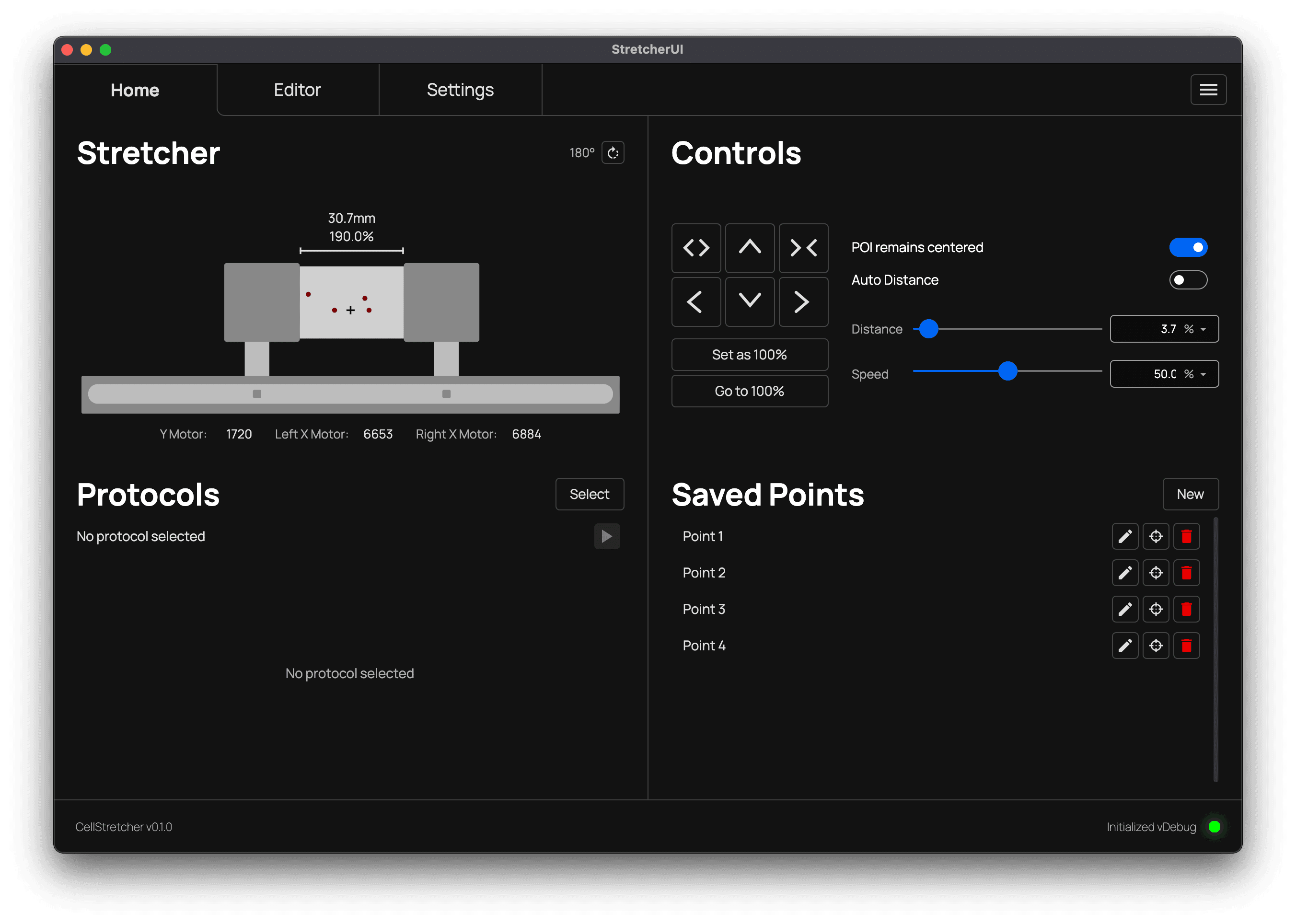
The visualization in the top left of the home tab gives you a live overview of the stretcher's current state. It shows the individual motor positions on the x and y axis, the gap between the arms (in millimeters or as a percentage) and the current rotation of the device.
Every movement applied to the stretcher is mirrored in real time in the device mockup. This is especially useful when working under the microscope, where you have no direct view of the membrane and have to rely on the software to know what the device is doing.
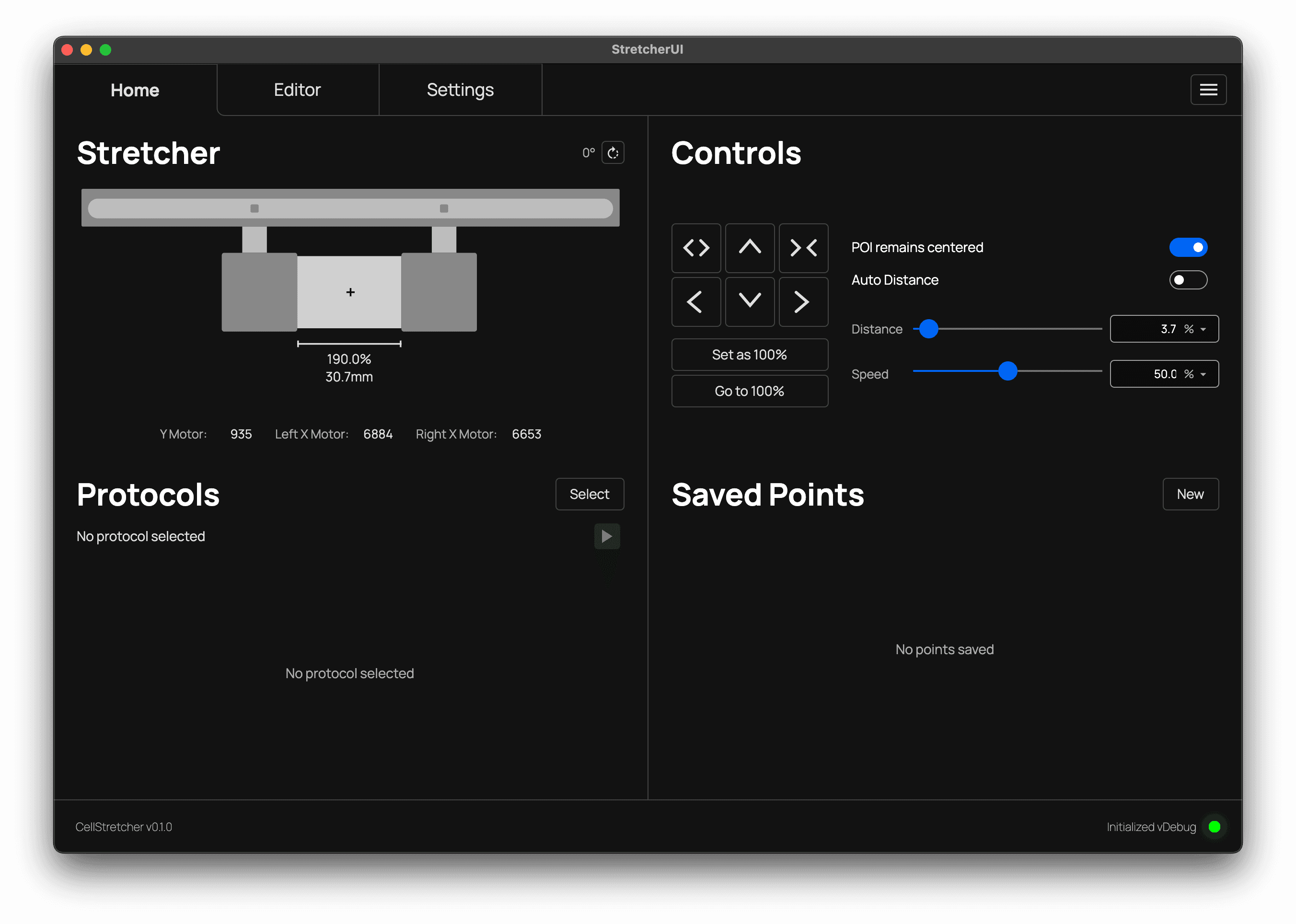
The motor positions are also helpful when setting up the borders, as they let you drive the stretcher close to its physical limits manually. See the Danger Settings for more on configuring these limits.
Saved points
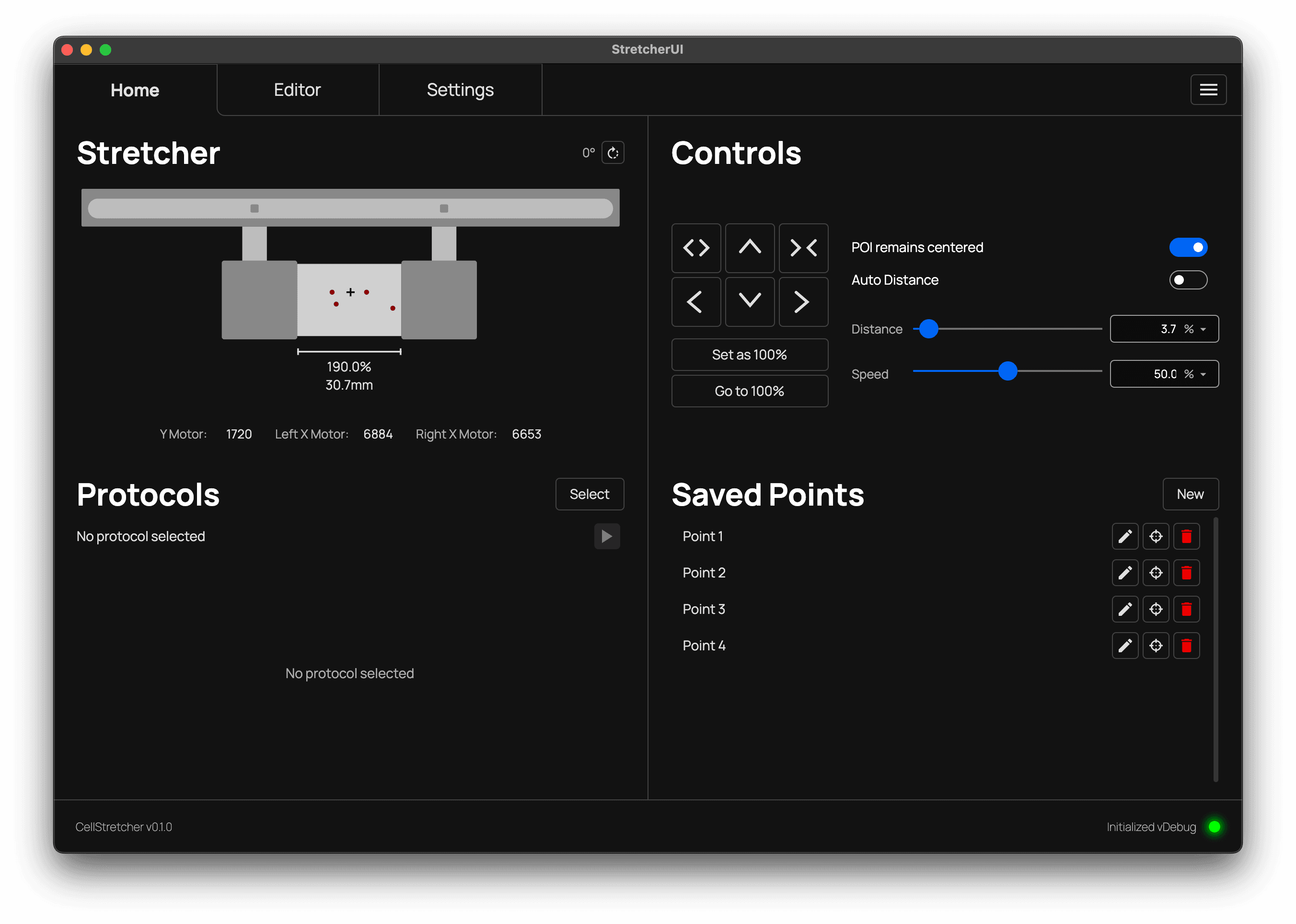
When points are added, they appear as small dots on the membrane. If you are unsure which dot corresponds to which point, hover over an entry in the Saved Points section and the visualization will highlight the matching point.
Device rotation
The device rotation does not only turn the visualization around, it also inverts all controls. When the stretcher is used without a microscope, it is more common to have the membrane facing toward you. Because of how the plate sits on the microscope, however, the device is turned by 180 degrees and faces away from you.