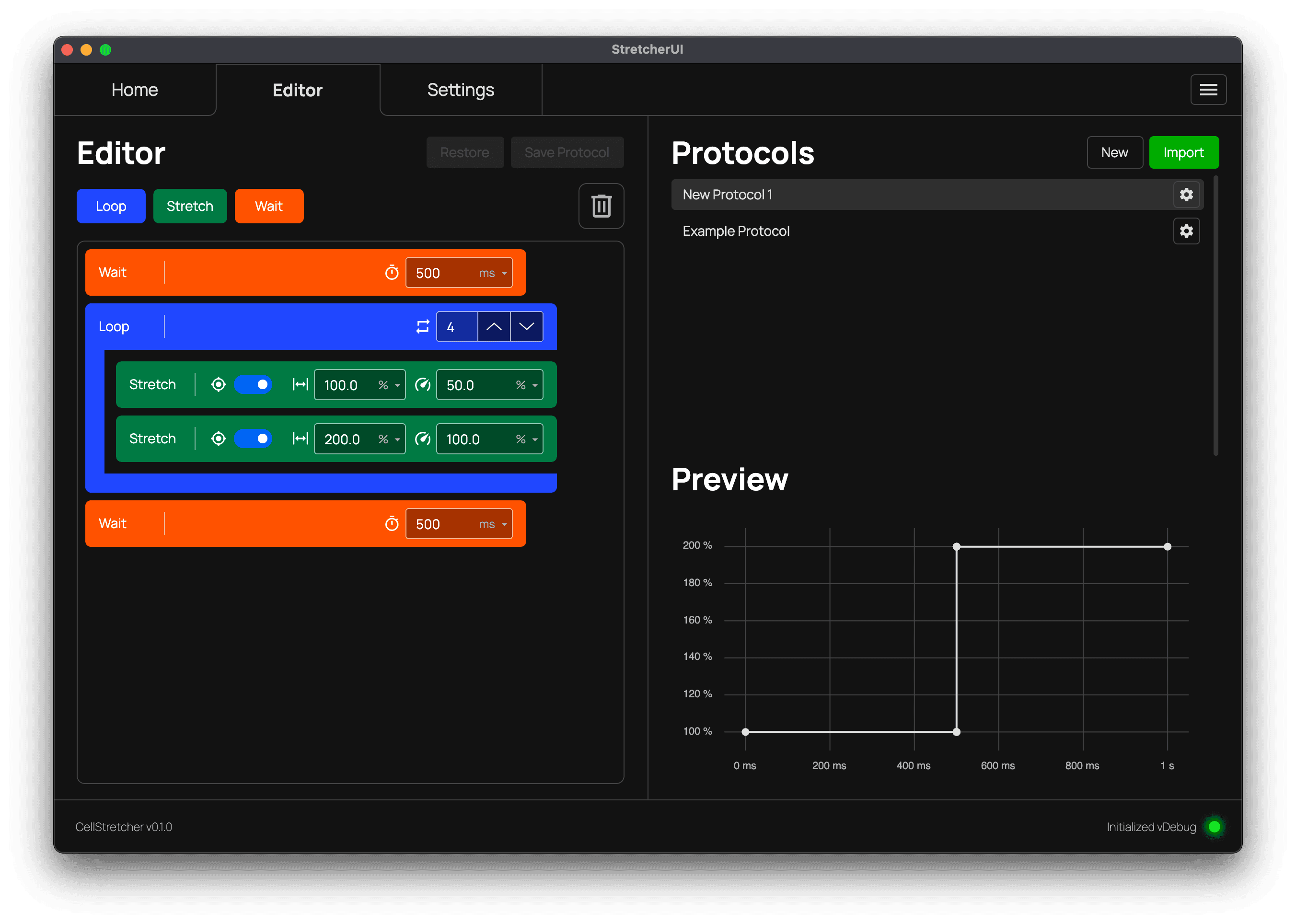
Editor
Previewing Protocols
Visualize a protocol's timeline before running it on the device.
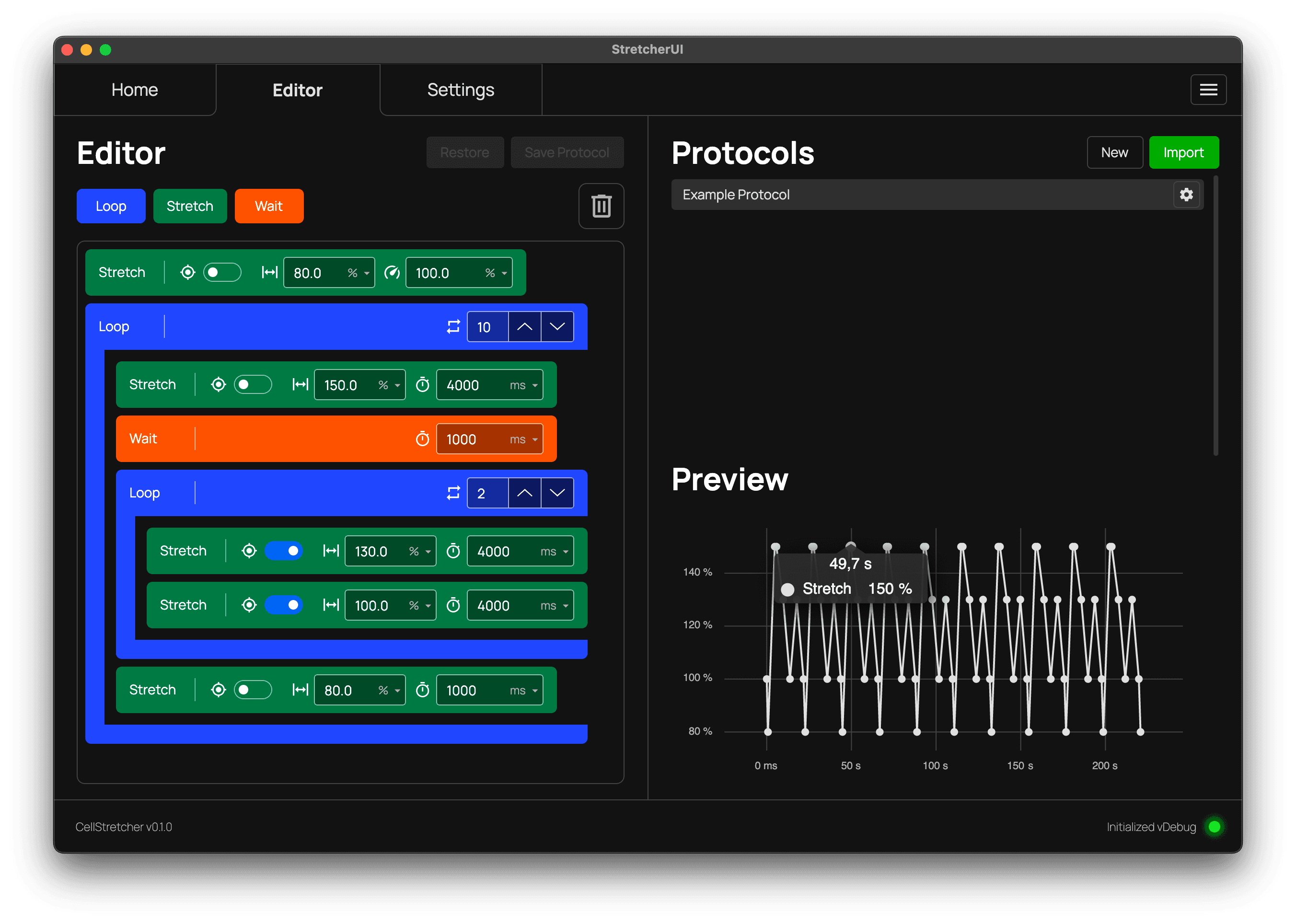
After selecting a protocol, each of its steps is used to construct a preview graph of the protocol. The graph updates in real time whenever you change the protocol.
Reading the graph
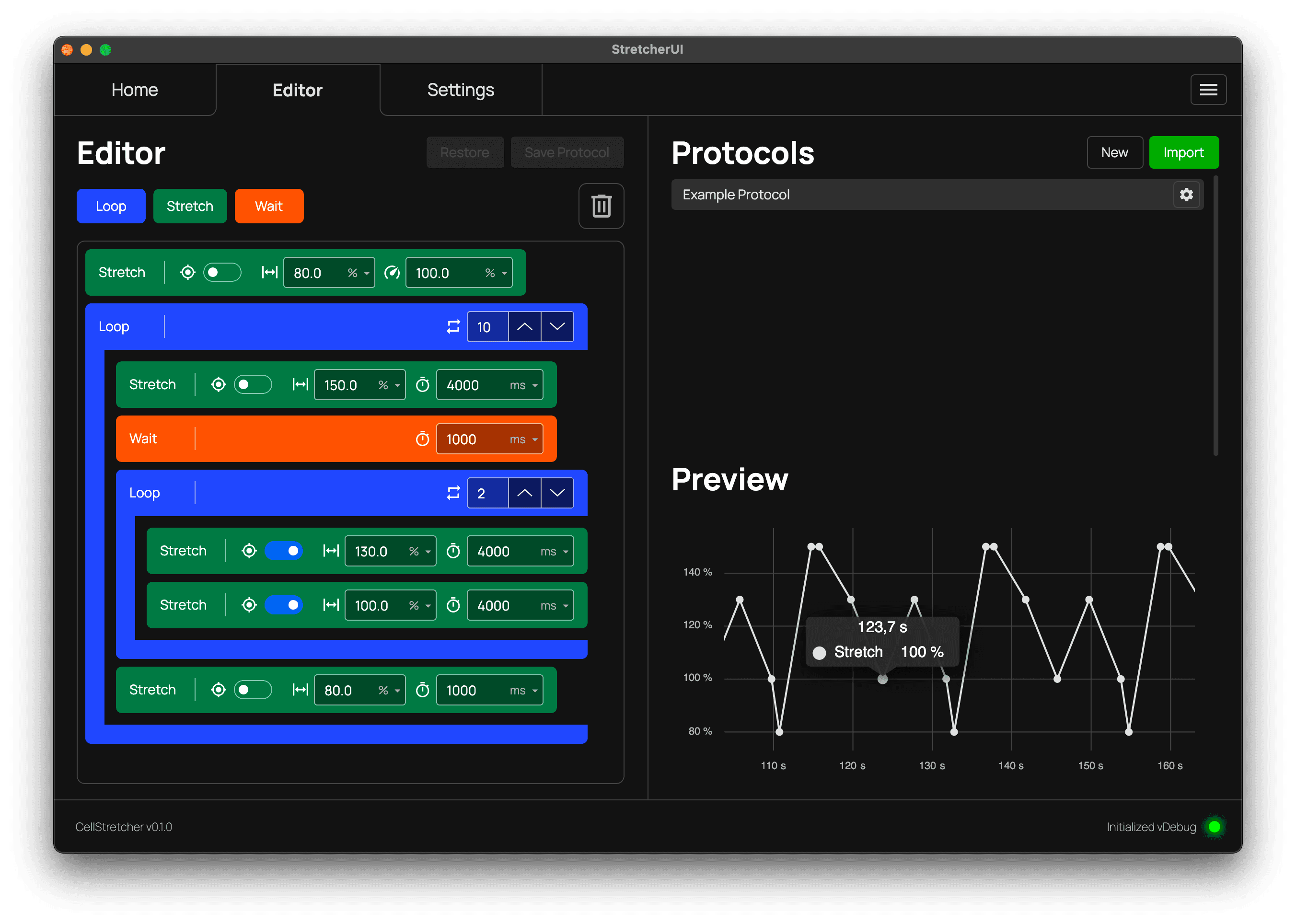
You can hover over any point to see the time at which its stretch value is reached after starting the protocol. You can also scroll to zoom further into the protocol for a more detailed view.
Setting the 100% reference
If your protocol looks like the image below, you need to set the 100% reference so the software can convert the percent values into real values. Without this reference, the graph cannot calculate the actual times and positions. The reference is set using the 100% reference in the manual controls on the home tab.