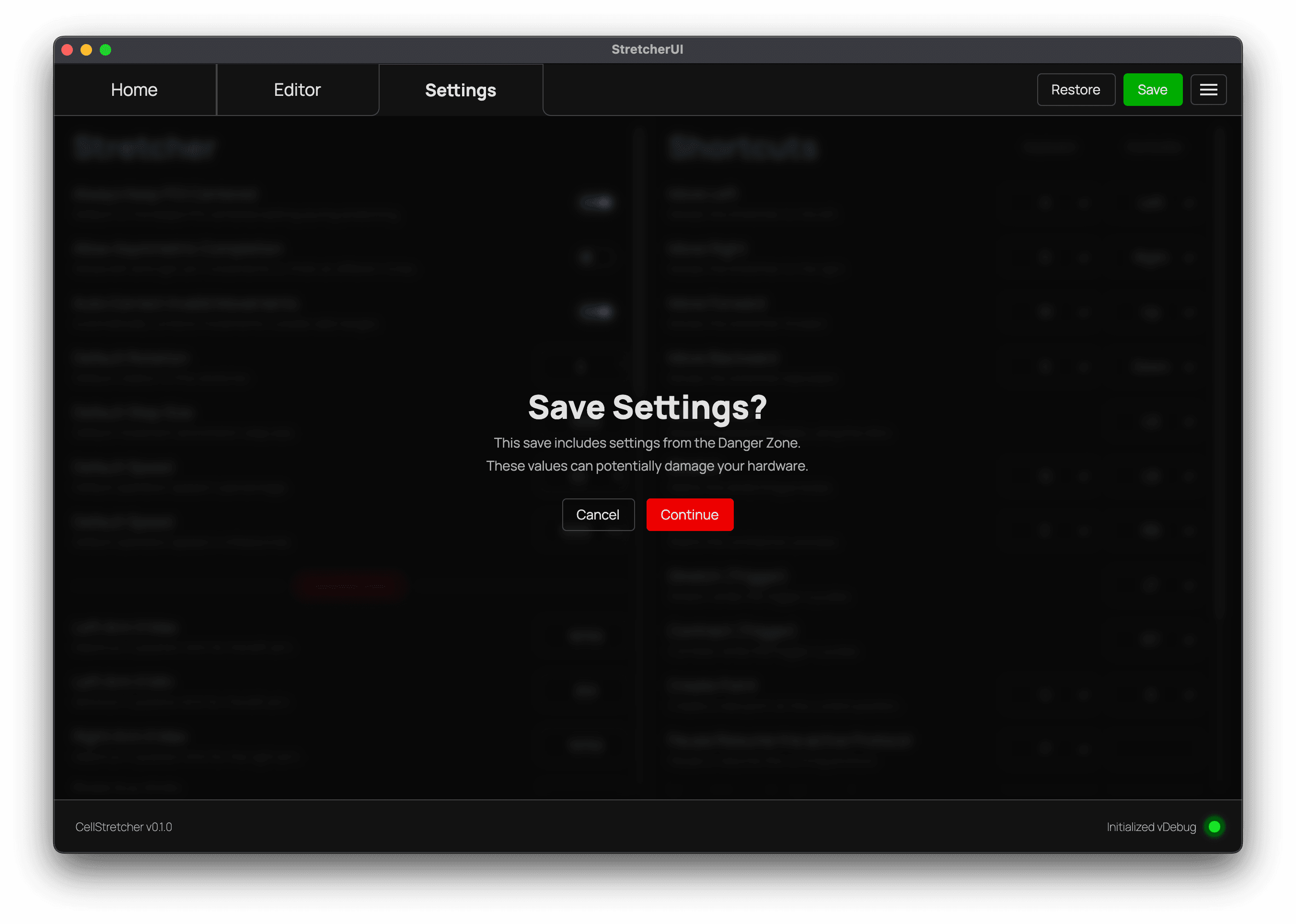
Saving Changes
How settings are organized and how to save or restore your changes.
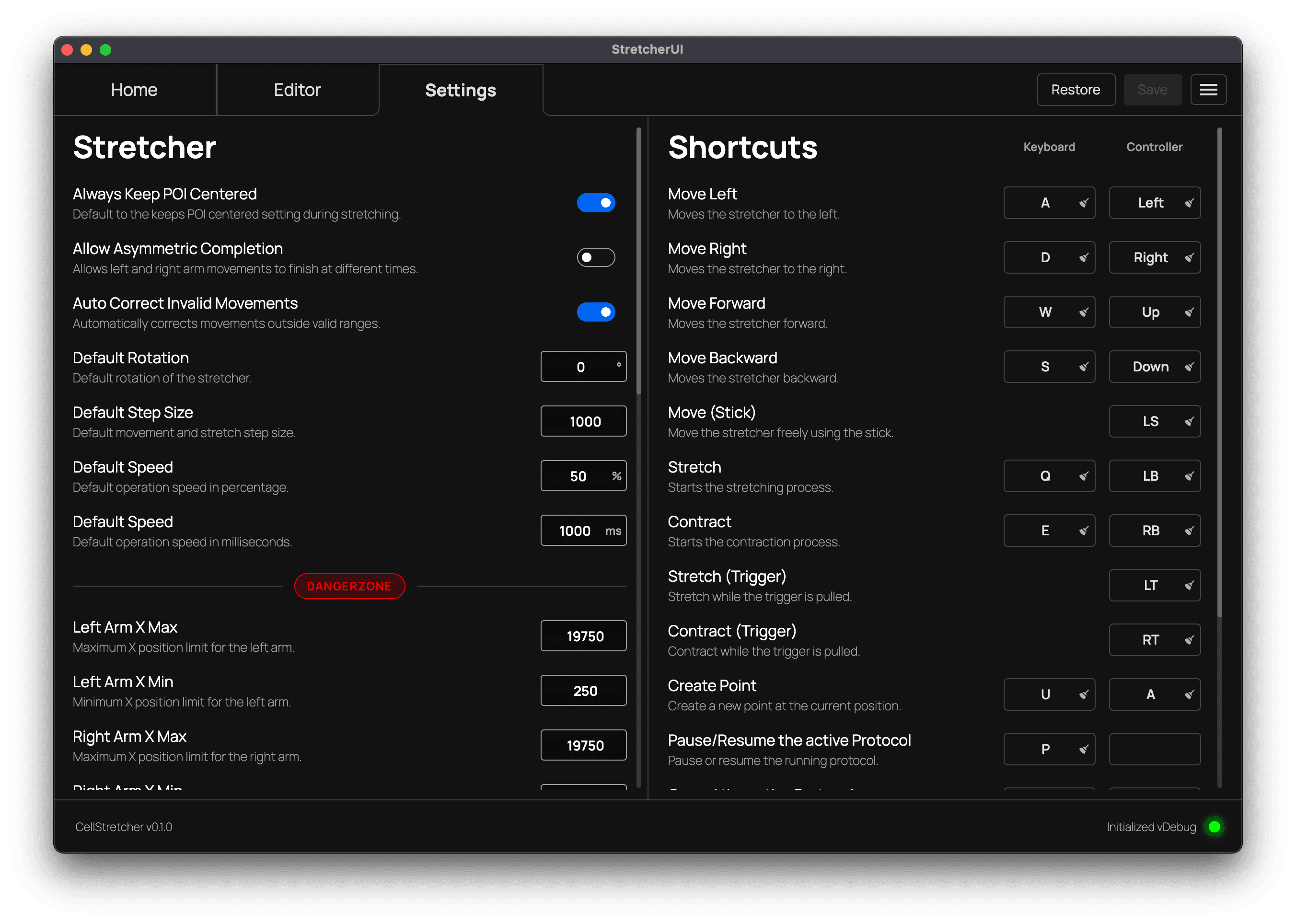
The settings tab is split into two panels. The "Stretcher" panel on the left holds the values used to operate the device, while the "Shortcuts" panel on the right is where you bind keyboard keys and controller inputs to actions.
Saving and restoring
Changes to any setting are not applied until you save them. The "Save" and "Restore" buttons sit in the top navigation bar whenever the Settings tab is open.
The "Save" button writes your changes to disk. It stays disabled while nothing has changed or while any field still contains an invalid value, so you always know when there is something to save. The "Restore" button discards your unsaved changes and returns every field to its last saved value.
Saving danger settings
Because some values can damage your hardware, saving any change inside the danger zone is protected by a confirmation dialog.