Hamburger Menu
Access app-wide actions from the hamburger menu.
The hamburger menu sits in the top right of the navigation bar and is available from every tab. It groups the app-wide actions that let you re-run parts of the setup wizard or close the application.
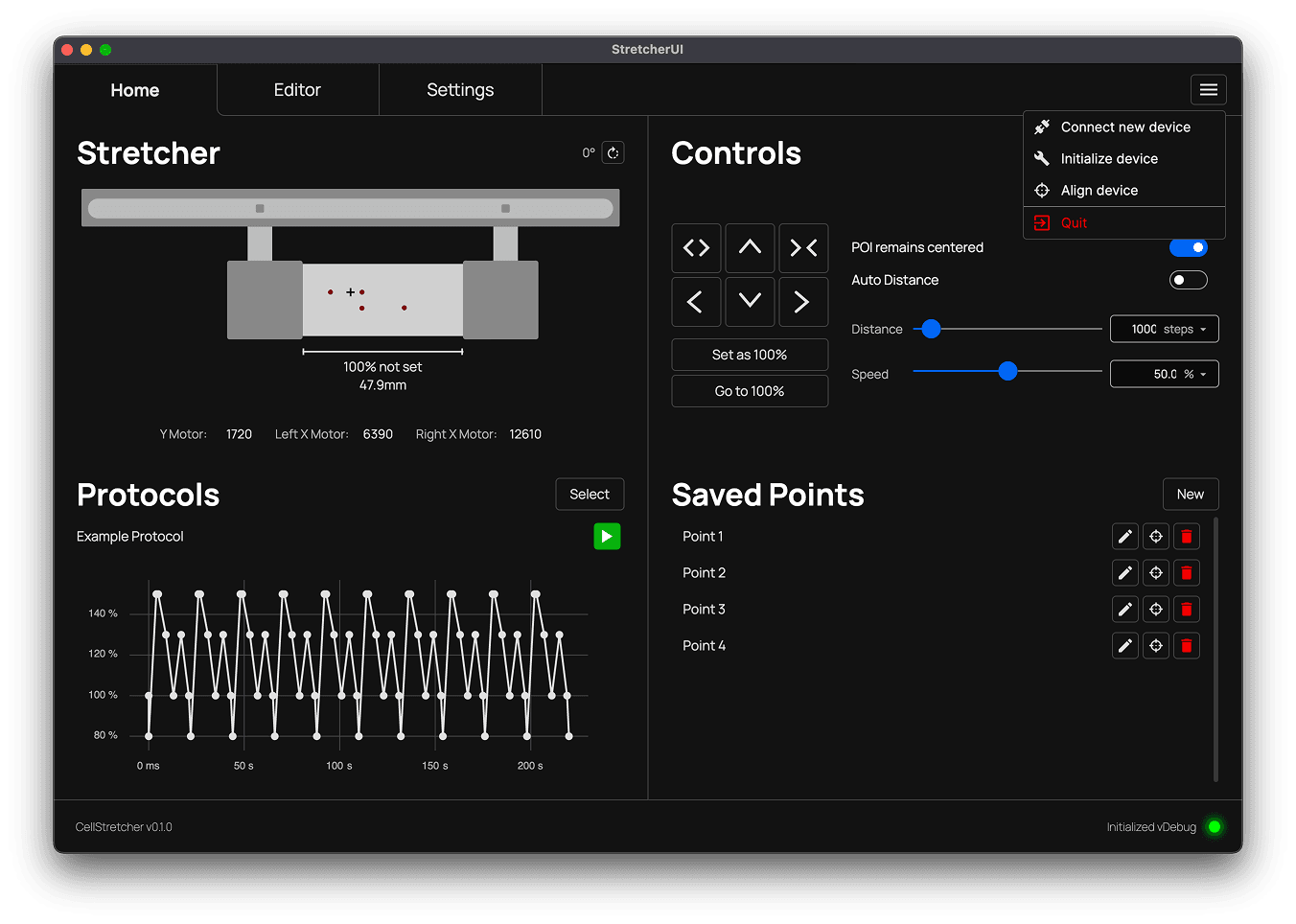
Connect new device
Selecting "Connect new device" disconnects your current device and returns you to the device selection step of the setup wizard. Any running protocol is stopped in the process, so make sure no measurement is in progress before you switch devices.
Re-initialize and re-align
The "Initialize" and "Align" actions take you back to the corresponding steps of the setup wizard. Both are protected by a second confirmation dialog, so you can close them again if you change your mind.
Do not accept warning dialogs without following the instructions!
The warning dialogs are built to prevent the device from permanent damage. Always follow the instructions for initializing or aligning and only then continue with the dialog.
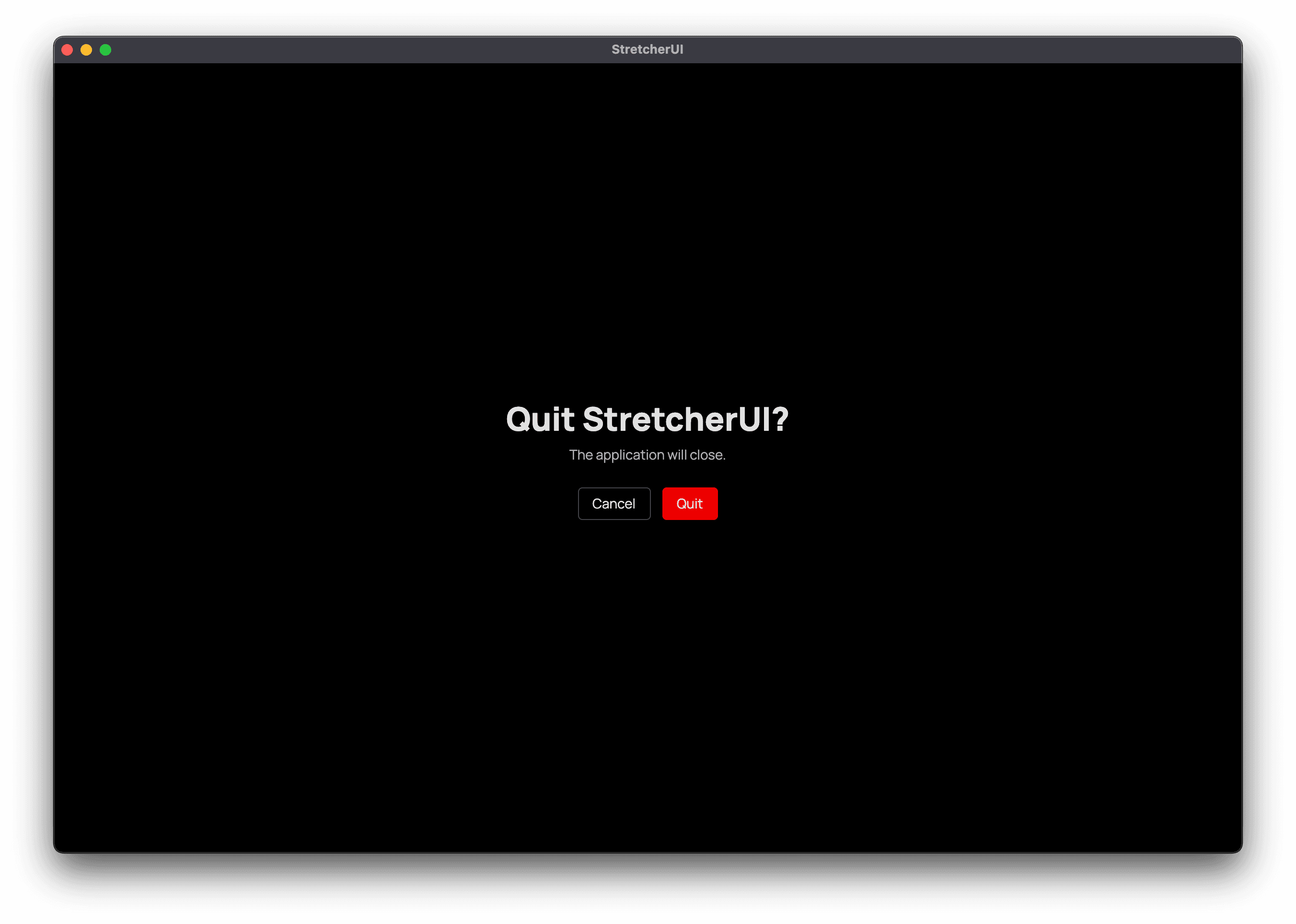
Quitting the application
To close the application, press "Quit" and confirm in the dialog. Every running process is stopped before the app closes.